For many barbershops, Google is where high-intent clients start.
They search "barber near me", check opening hours, scan reviews, look at photos, and decide whether the shop feels right. If the next step is a clear booking link, that local intent can turn into an appointment quickly. If the next step is "call us" or "DM on Instagram", some of that intent leaks away.
A Google Business Profile booking link is not magic. It will not fix weak reviews, unclear services, or a poor booking page. But it can remove friction from one of the most important local discovery routes a barbershop has.
This guide explains what to set up, what Google expects, and how to make the link useful for direct bookings. If you are still building the wider booking route, read how to get more direct bookings for your barbershop.
Quick answer: what should barbers use as their Google booking link?
Use a direct booking page for the specific barbershop or location.
The page should let the client:
- choose a service
- choose a barber or available slot
- see prices and durations
- confirm the appointment
- understand deposits or cancellation rules before booking
Do not send Google users to a generic contact page, a social profile, a homepage with no booking action, or a link shortener. Google's business link guidance says links should help customers take actions such as booking appointments, and its policies say action links should allow the customer to complete the designated action.
Best Google booking link by scenario
Use the link that matches the client's intent:
| Scenario | Best destination | Avoid |
|---|---|---|
| One-location barbershop | Direct booking page for that shop | Homepage with no booking action |
| Multi-location shop | Location-specific booking page | Generic location selector as the first step |
| New shop taking launch bookings | Launch booking page with opening date | "Coming soon" page |
| Shop using deposits | Booking page with visible deposit policy | Social post explaining deposits separately |
| Shop building direct bookings | Branded booking route | Marketplace profile as the only option |
The rule is simple: the link should let the client finish the booking, not just learn that booking is possible.
Why Google booking links matter for barbers
Barbershops are local businesses. Clients often choose based on:
- distance
- availability
- photos
- reviews
- opening hours
- price range
- ease of booking
The booking link is the bridge between interest and action.
If someone finds you on Maps and can book immediately, they do not need to message three shops at once. They do not need to wait for a reply. They do not need to remember your name later.
That is why a booking link is not just a convenience feature. It protects the moment when the client is ready.
How to add a booking link
The exact Google Business Profile interface can change, but Google's help docs currently describe managing links through your Business Profile on Search or Maps.
The general path is:
- go to your Business Profile
- open the booking or local business links area
- add the booking URL
- save it
- set a preferred link if you have more than one option
Google also explains that some booking providers can be connected through the bookings flow, and that providers may take up to a week to show.
For most barbershops, the important part is choosing the right URL before adding it.
What makes a good booking page for Google traffic?
A Google visitor is often impatient. They may be comparing several nearby shops.
Your booking page should answer the obvious questions fast:
- Is this the right shop?
- Where is it?
- What can I book?
- How much does it cost?
- When is the next available slot?
- Do I need to pay a deposit?
- Will I get confirmation?
The page should be mobile-first. Many people are searching from a phone, sometimes while already nearby.
Avoid making users land on a page that requires them to understand your whole business before booking. They came from Google with intent. Give them the action.
Use one link per shop
If you have one shop, this is simple.
If you have multiple shops, each Google Business Profile should point to the booking route for that specific shop. Google's business links policies say links should lead clients to the specific business place they are viewing, rather than a general page for another branch.
That matters for clients too. Someone searching in Cardiff should not have to work out whether they are booking Cardiff, Newport, Bristol, or somewhere else.
The smoother the shop match, the higher the trust.
Keep marketplace and direct links clear
Some profiles end up with more than one booking route: a marketplace link, a provider link, and a direct website link.
If Google allows you to set a preferred link, choose the one that best supports your business model.
For shops trying to build direct bookings, that usually means your own branded booking page. A marketplace link can still have a role, but repeat clients should ideally learn the direct route.
This is especially important if your software costs or commissions change depending on where the client came from.
Common mistakes
The biggest mistakes are simple:
- linking to the homepage instead of the booking page
- linking to Instagram DMs instead of online booking
- using a link that does not work well on mobile
- using a page where prices and services are unclear
- sending all locations to one generic page
- forgetting to test the link after saving it
- using a booking flow that feels disconnected from the shop brand
Fixing those can improve the quality of traffic without spending more on ads.
Where Trimlinea fits
Trimlinea gives barbershops a branded booking route that can be used from Google, Instagram, websites, QR codes, and direct messages.
That matters because the same link can become the shop's default route everywhere. Clients do not need to learn one process for Google, another for Instagram, and another for repeat bookings.
The pricing stays simple too: £15/month after the free trial, with unlimited shops and chairs included.
If you are preparing a launch, read how to take barbershop bookings before you open. If you want one booking route for Google, Instagram, and your website, find out more about Trimlinea.
Final word
Your Google Business Profile is not just a listing. For many clients, it is the front door.
If the profile has a clean booking link, local search can turn into confirmed appointments with less friction. Make the link direct, mobile-friendly, location-specific, and easy to trust.
Sources and last checked
Last checked: 6 July 2026.
- Google Business Profile local business links
- Google Business Profile bookings setup
- Google Business Profile business links policies
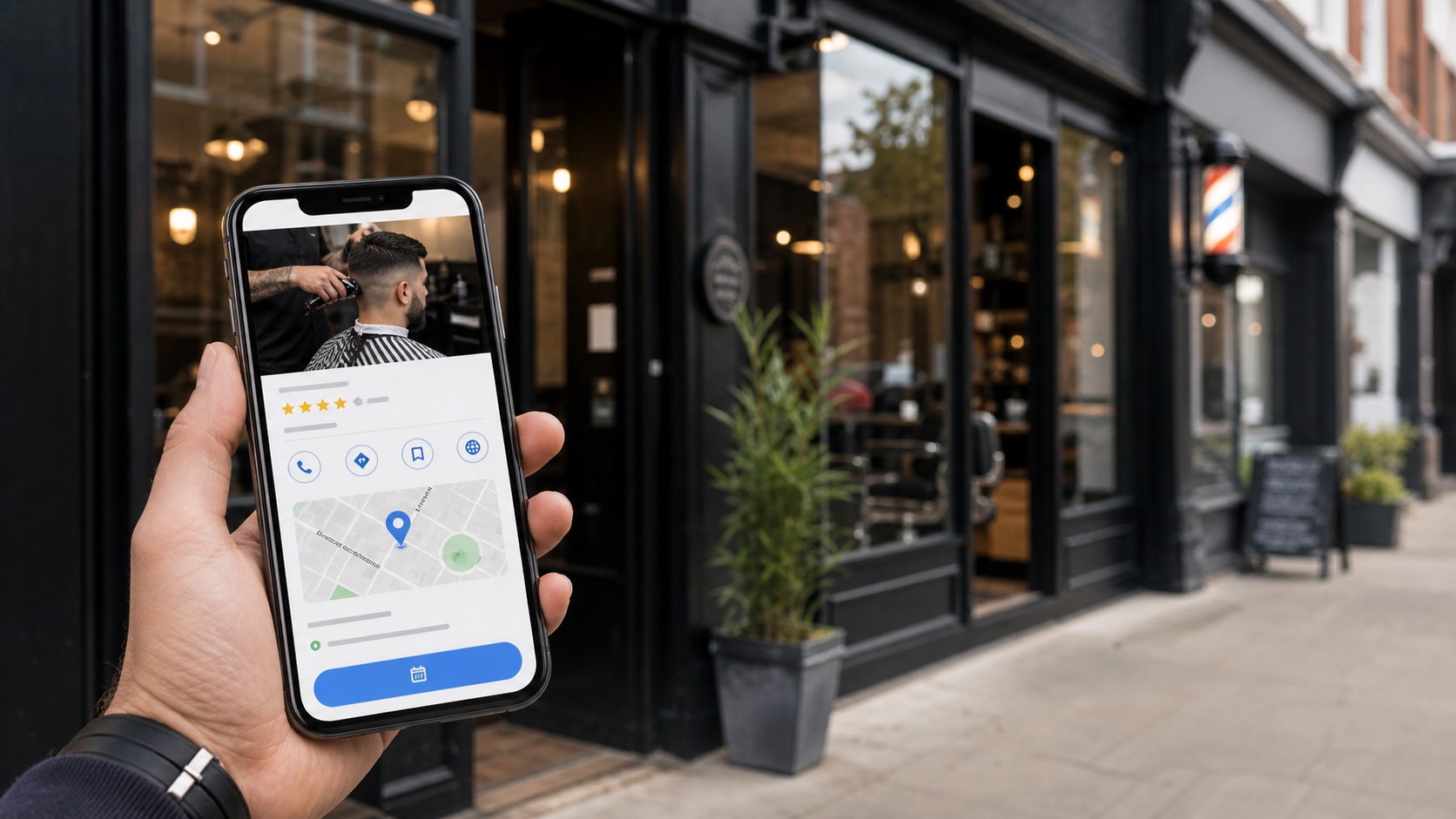
- Image: custom photographic hero showing local search leading to a barbershop booking.
Frequently asked questions.
Can barbers add a booking link to Google Business Profile?
Eligible local businesses can add booking links through Google Business Profile. The link should take clients to a page where they can complete the booking action.
What booking link should a barbershop use on Google?
Use the direct booking page for the specific shop or location, not a generic homepage, social profile, or link shortener.
Does a Google booking link help direct bookings?
Yes. It gives people who find the shop on Google Search or Maps a direct route to book without needing to message, call, or search again.
Can a Google Business Profile link go to Instagram?
For booking actions, use a page where the client can complete the booking. A social profile or messaging link is not the right destination for a booking link.
What if my barbershop has multiple locations?
Each location profile should point to the booking page for that specific shop, not a generic multi-location page.
More articles
Trimlinea gives your barbershop branded booking, staff calendars, payments, reminder emails, and payouts in one flat subscription.
Add every chair, every team member, and every shop without your software bill changing.
Find out more