Instagram can create demand for a barbershop very quickly. A good haircut post, a sharp transformation reel, or a story showing a last-minute slot can make someone want to book while they are already looking at the shop.
That moment is fragile.
If the next step is "DM to book", the client has to wait for a reply. If the link in bio goes to a messy link page, they have to choose the right path. If the booking flow feels disconnected from the shop, they may leave and come back later, which often means not coming back at all.
The job of Instagram is not only to get attention. It should turn attention into bookings.
This guide explains how UK barbershops can use Instagram booking links, Book Now buttons, highlights, captions, and tracking to create a cleaner path from profile visit to confirmed appointment. If you want the broader strategy, read how to get more direct bookings for your barbershop.
Quick answer: how do barbers add booking to Instagram?
The simplest setup is to use one direct booking link everywhere on Instagram.
That means:
- add the booking page as your main Instagram bio link
- add a Book Now action button if your account and booking provider support it
- point story highlights to the same booking route
- mention the link clearly in posts and reels
- track clicks and started bookings with one consistent link
- stop relying on DMs for appointments that could be booked online
Your booking link should take clients straight to a mobile-friendly page where they can choose a service, barber, time, and payment option.
For most barbershops, the bio link matters more than the button. The button is useful when supported, but the bio link works for every Instagram business profile and can point directly to your own branded booking page.
Recommended Instagram booking setup
Use this setup if you want Instagram profile visits to become real appointments:
| Instagram placement | Best use | What to link to |
|---|---|---|
| Bio website link | Main booking route | Your direct barbershop booking page |
| Book Now button | Extra booking shortcut where supported | Supported booking provider |
| Story highlight | Explain how to book | Same booking page |
| Captions and reels | Prompt action after seeing a cut | Same booking page |
| DMs | Questions and edge cases | Reply with the booking page |
The important part is consistency. If every route points to the same booking page, clients learn where bookings happen and staff spend less time repeating the same instructions.
Start with one booking link
Before worrying about buttons or profile settings, choose the booking link.
For most barbershops, that should be the direct booking page for the shop. Not the homepage. Not a marketplace search page. Not a link shortener. Not a social profile.
The page should let clients:
- choose the service
- see prices
- choose a barber or next available slot
- understand deposits or cancellation rules
- confirm the appointment
- get confirmation automatically
If the page cannot do those things, Instagram traffic will still create admin instead of bookings.
This is where many shops lose the lead. The Instagram post creates intent, but the booking page has to finish the job.
Add the link to your bio
The bio link is still the most reliable route because every Instagram business account can use it.
Keep the wording simple:
- Book your next trim
- Book online
- Book direct
- Appointments
- Book your slot
Avoid sending clients to a page with too many choices. If someone taps from Instagram, assume they are on a phone and already interested. Give them the booking action first.
Add a Book Now button if supported
Instagram business accounts can use action buttons, including booking-style actions where supported by the account type, region, and provider.
Meta's help docs explain that action buttons are managed from the profile edit area. The exact options can change depending on your account and available partners.
To check the option:
- open your Instagram business profile
- tap Edit profile
- find Action buttons under public business information
- choose Book Now if it is available
- select and connect the supported provider
- test the button from another Instagram account
If your provider does not appear, do not overthink it. Use the website link in your bio as the primary booking route and make the call to action clear in your content.
That is not a weaker setup. For many barbershops, a direct bio link to the booking page is cleaner than relying on a third-party action button that clients may not notice.
Stop using DMs as the main booking system
DMs are useful for questions. They are not a great booking system.
DM booking creates problems:
- clients wait for replies
- slots can be double-booked
- staff have to check calendars manually
- prices and durations get repeated again and again
- enquiries get lost under reactions and story replies
- serious clients are mixed with casual questions
A booking link does not stop people messaging. It just gives ready-to-book clients a faster path.
The best setup is simple: use DMs for conversation, and use the booking link for appointments.
When someone asks for a slot in DMs, reply with the same direct booking link instead of manually offering times. That keeps the habit consistent.
Use story highlights properly
Most shops have highlights for cuts, reviews, the team, or the shop. Add one for booking.
A useful booking highlight can include:
- how to book
- where the link is
- opening hours
- deposit rules if used
- cancellation notice
- parking or location notes
- what to do if no slots are showing
Do not make the highlight too long. The goal is to remove doubts, not create a brochure.
Mention booking in reels and captions
Instagram posts often create the desire, but the caption needs to tell people what to do next.
Use simple lines:
- "Bookings are open through the link in bio."
- "Tap Book now to grab a slot this week."
- "New clients can book online in under a minute."
- "Saturday slots go first. Book direct through the profile."
Avoid vague calls to action like "get in touch" if the real goal is online booking.
Make the booking page match Instagram intent
Instagram visitors are usually visual and mobile-first. They have just seen your work, your shop, or your team.
The booking page should keep that momentum.
It should be:
- fast
- branded
- mobile-friendly
- clear on prices
- clear on services
- clear on availability
- easy to finish without typing a message
If clients tap from Instagram and land on something that looks generic or confusing, the trust you built in the post weakens.
Track Instagram bookings properly
Do not judge Instagram only by profile clicks.
A better tracking setup follows the full path:
- Instagram profile click
- booking page visit
- service selected
- time selected
- booking started
- booking confirmed
If your analytics setup supports UTM tags, use a simple source such as utm_source=instagram on the booking link. Keep the same link in your bio, highlights, and DM replies so the data stays clean.
The aim is not just to know that Instagram sent traffic. The aim is to know whether Instagram traffic becomes bookings.
Track the habit, not just the click
The real win is not one Instagram click.
The win is training clients to know where bookings happen.
If every post, story, highlight, and profile button points to the same booking route, clients learn the habit. They stop asking "how do I book?" and start going straight to the link.
That reduces admin for the shop and makes repeat bookings easier.
Where Trimlinea fits
Trimlinea gives barbershops a direct booking route that can be used from Instagram, Google, your website, QR codes, and client messages.
Clients can book through a branded mobile-friendly page, while the shop manages services, staff, chairs, payments, reminders, and payouts in one place.
The pricing stays fixed at £15/month after the free trial, with unlimited shops and chairs included.
That matters for Instagram because the client is not being pushed into a generic marketplace profile. They are going from your content to your booking page, with your shop still front and centre.
If Instagram is already bringing attention to the shop, see how Trimlinea works for barbershops and turn that attention into confirmed bookings.
Final word
Instagram is strongest when the next step is obvious.
Use one direct booking link. Put it in the bio. Add the Book Now button if available. Mention it in posts and highlights. Keep DMs for questions, not calendar admin.
The easier it is to book from Instagram, the less attention you waste.
Sources and last checked
Last checked: 6 July 2026.
- Instagram action buttons
- Add an action button to your Instagram business account
- Google Business Profile local business links
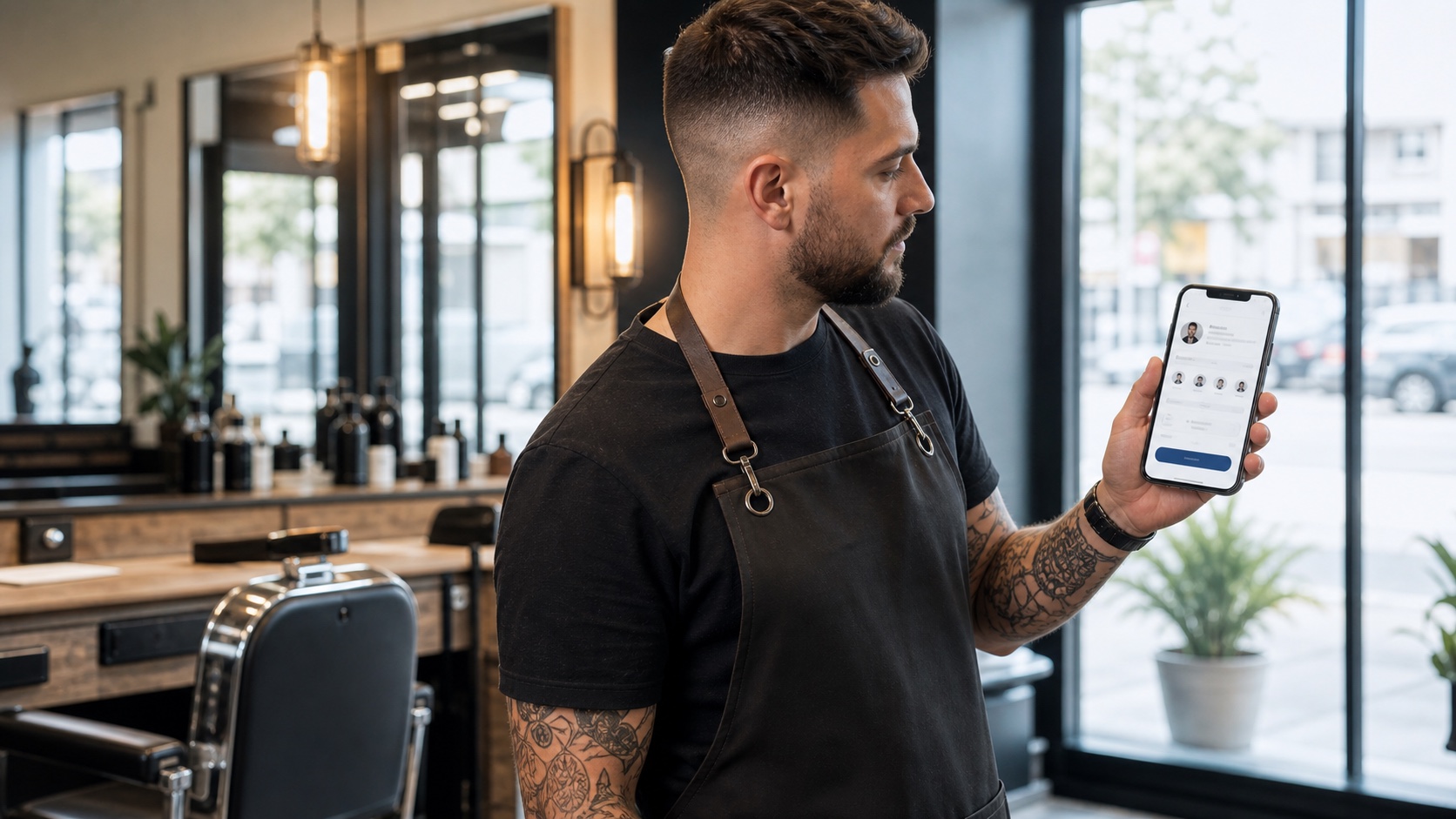
- Image: custom photographic hero showing a social booking flow for a barbershop.
Frequently asked questions.
How do I add a Book Now button to Instagram for a barbershop?
Use an Instagram business account, go to Edit profile, choose Action buttons, select Book Now if available, connect a supported booking provider, then test the button from another account.
What if my booking provider is not available as an Instagram action button?
Use the website link in your Instagram bio as the main booking route. A direct booking link in the bio is often more reliable because every business profile can use it.
What booking link should a barbershop use on Instagram?
Use a direct mobile-friendly booking page where clients can choose a service, barber, time, and payment option without needing to message first.
Should barbers use DMs or online booking from Instagram?
Use DMs for questions and online booking for appointments. That keeps conversations open while giving ready-to-book clients a faster route to confirm a slot.
How can a barbershop track Instagram bookings?
Use one booking link consistently and add simple UTM tags if your analytics setup supports them. Track profile clicks, booking-page visits, started bookings, and confirmed appointments.
More articles
Trimlinea gives your barbershop branded booking, staff calendars, payments, reminder emails, and payouts in one flat subscription.
Add every chair, every team member, and every shop without your software bill changing.
Find out more