
Choosing booking software for a new barbershop is not just an admin decision. It shapes how clients first experience the shop.
When you are opening, there is a temptation to pick whatever gets you live fastest. That is understandable. You are dealing with chairs, mirrors, lease details, decoration, insurance, staff, suppliers, signage, photos, and a hundred other moving parts. But the booking system is one of the few pieces clients will touch before they ever walk through the door.
The right setup helps people book while the shop is still new in their mind. The wrong setup adds friction, hides your brand inside another app, or creates a cost model that gets more expensive exactly when the shop starts working.
This guide is for new UK barbershops that want to start cleanly: online bookings ready, pricing predictable, and no awkward software rebuild six months later. If you are already comparing platforms, pair this with our guide to Booksy alternatives for barbers. If your main worry is cost as the team grows, read why paying per chair gets expensive next.
Quick answer: what is the best booking system for a new barbershop?
The best booking system for a new barbershop is the one that helps you launch with a clean booking flow and does not punish you for adding more chairs later.
At minimum, look for:
- a mobile-friendly booking page
- staff or chair calendars
- service durations and prices
- deposits or payment options
- automatic confirmations and reminders
- a link you can use on your website, Google profile, Instagram, and QR codes
- simple pricing that still works when the shop gets busier
For a brand-new shop, the most important question is not "which app is biggest?" It is "which system will still make sense when this place is full?"
Recommended setup for a new barbershop
Use this as the baseline before opening:
| Setup area | What to prepare | Why it matters |
|---|---|---|
| Services | Simple launch menu with prices | Clients should not need to decode the offer |
| Availability | Real opening hours and chair calendars | Early bookings need to match real capacity |
| Booking link | One direct branded booking page | Every launch channel needs the same destination |
| Deposits | Clear rules for peak or launch-week slots | Protects valuable time without surprise |
| Reminders | Confirmation and reminder messages | Reduces missed appointments from day one |
| Growth | Pricing that still works with more chairs | Avoids rebuilding the system once momentum starts |
This is the part a lot of new shops underbuild. The software should not only take bookings; it should teach clients the right booking habit from the start.
Start with the launch journey
Most new shops think about software from the owner's side first.
That sounds like:
- Can I set my services?
- Can I add staff?
- Can I change hours?
- Can I see bookings?
Those things matter, but they are not the launch experience.
The client journey matters just as much:
- Can someone book on a phone in under a minute?
- Can they choose the right service without guessing?
- Can they see the shop name and branding clearly?
- Can they pay a deposit if the shop requires one?
- Do they get confirmation without needing to message you?
If the client has to download an app, search your name again, create friction, or work out whether they are booking with you or a marketplace profile, the shop has already lost some control.
Marketplace or own booking page?
For a new barbershop, marketplaces can look attractive because they promise discovery. That can be useful, especially if the shop has no client base yet.
But discovery and repeat booking are different jobs.
A marketplace might help someone find you. Your own booking page helps them remember you, return to you, and recommend you directly. If a client books through your own link from the beginning, your shop becomes the habit.
That is why the best setup is usually not "marketplace or direct" in a dramatic way. It is:
- use whatever discovery route makes sense
- make your own booking link the default everywhere you control
- send repeat clients back through your own branded route
This is the same principle covered in how to get more direct bookings for your barbershop. New shops have an advantage here because there is no old habit to break.
Do not price it only for day one
Software can look cheap when there is one barber and feel expensive when there are four.
Before choosing a system, price it against the version of the shop you are trying to build. If the plan charges per barber, per chair, per shop, or through marketplace commissions, work out what that means after the first year.
For example:
- one barber today might become three chairs by Christmas
- a part-time barber may still need calendar access
- a second location may be unlikely now, but extra charges should still be clear
- paid add-ons can turn a simple plan into a less predictable monthly bill
This is where flat pricing can be powerful for new shops. If you know the software bill will stay fixed, it is easier to plan around rent, products, card fees, wages, and launch marketing.
What a new barbershop should set up first
You do not need every possible feature before opening. You need the basics done properly.
Start with these:
- core services, such as haircut, skin fade, beard trim, and haircut plus beard
- realistic durations for each service
- opening hours and launch week availability
- each barber or chair that can take bookings
- deposit rules if you want to protect prime slots
- confirmation and reminder messages
- cancellation wording that clients can see before booking
- one booking link that can go everywhere
Avoid overcomplicating the menu. Too many services make the first booking harder. It is better to start clear and add detail once real clients are using the system.
Where your booking link should go
Once the booking page is ready, it should become part of the launch campaign.
Use it on:
- your website
- your Google Business Profile when available
- your Instagram bio
- Instagram action buttons if your provider supports it
- launch posters and flyers
- QR codes in the window
- SMS messages to early clients
- confirmation emails from any pre-launch enquiries
Google says business links can help customers take actions such as booking appointments, and its local business link guidance explains how to add booking links to eligible Business Profiles. Meta also supports a "Book now" action button on Instagram business accounts. That matters because new shops often get discovery from maps and social before they get organic website traffic.
The simple buying rule
If you are opening a barbershop, choose software that makes the first booking feel easy and the hundredth booking feel scalable.
That means the system should not only be quick to launch. It should support the way the shop will grow:
- more clients
- more chairs
- more staff
- busier weekends
- fewer manual messages
- clearer repeat bookings
If you already know you want a team shop, be careful with plans that become more expensive each time the shop succeeds.
Where Trimlinea fits
Trimlinea is built for barbershops that want to keep the setup simple from the beginning.
You get branded booking, staff management, payments, reminders, and payouts in one system. The pricing is the part that matters most for new shops: £15/month after the free trial, with unlimited shops and chairs included and no extra per-chair fees.
That makes it a good fit if you are opening with one chair but planning for more. You can start with the shop as it is today, then add shops, chairs, bookings, and staff without your software bill changing.
If you are still preparing the launch, find out more about Trimlinea before you choose the booking system clients will use from day one.
Final word
The best booking system for a new barbershop is not the one with the loudest feature list. It is the one clients can use easily, the team can manage calmly, and the owner can afford as the shop grows.
Launch with one strong booking route. Put it everywhere. Make it feel like your shop. Then let the system support growth instead of taxing it.
Sources and last checked
Last checked: 6 July 2026.
- Google Business Profile local business links
- Google Business Profile bookings setup
- Instagram action buttons
- Booksy pricing UK
- Fresha pricing
- Nearcut pricing UK
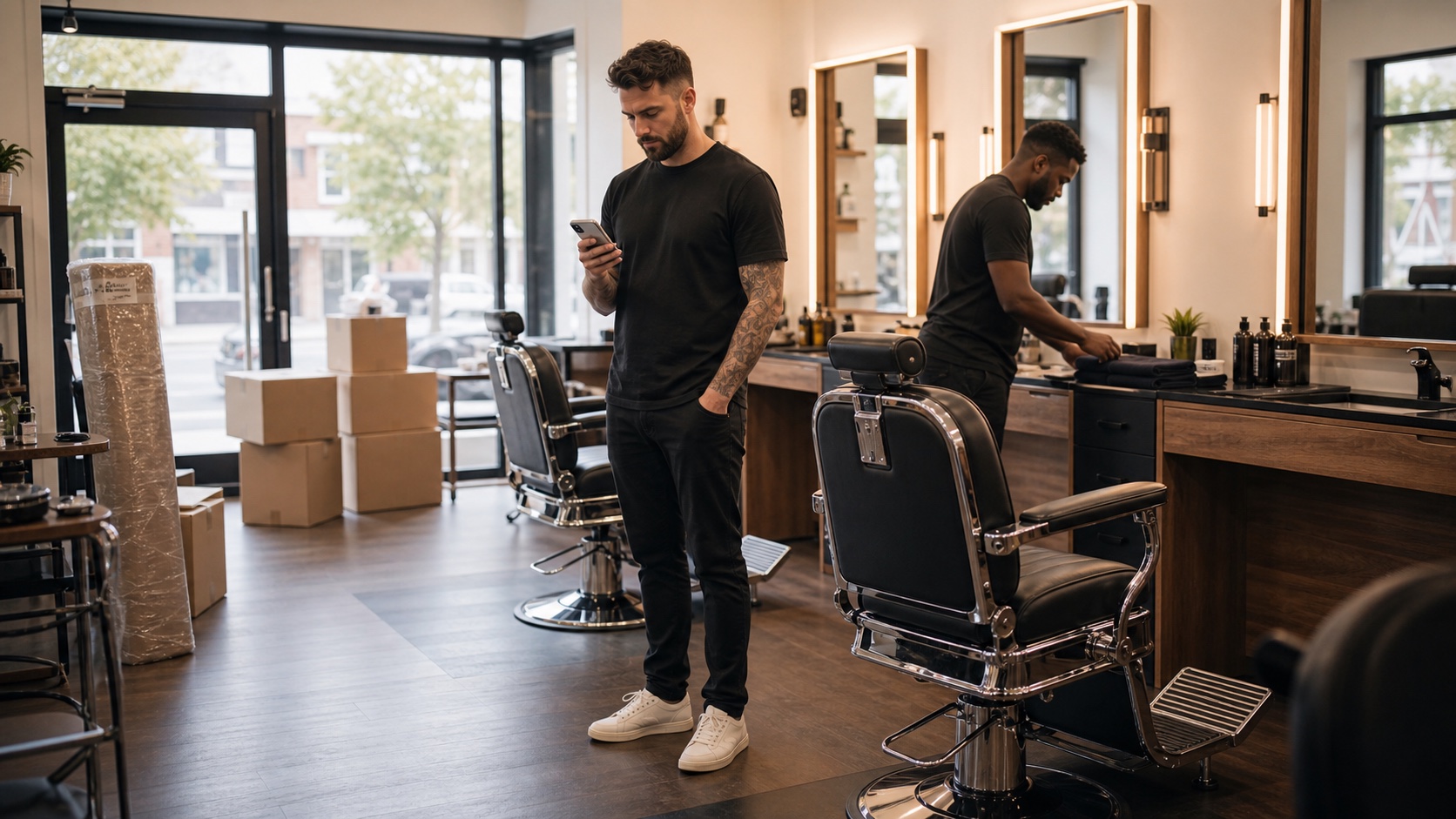
- Image: custom photographic hero showing a new barbershop launch with booking software.
Frequently asked questions.
What booking system should a new barbershop use?
A new barbershop should use a booking system that gives clients a simple mobile booking page, supports each chair or barber, handles deposits or payments if needed, and keeps monthly cost predictable as the shop grows.
Should a new barbershop choose a marketplace app or its own booking page?
A marketplace can help with discovery, but a new shop should still build its own booking route from day one so clients remember the shop brand, not only the platform profile.
When should a new barbershop set up online bookings?
Ideally before opening. A booking link can be added to your website, Instagram, posters, and Google Business Profile as soon as your services, hours, and launch date are clear.
What features matter most before a barbershop opens?
Focus on services, prices, staff or chair availability, deposits if needed, confirmations, reminders, and one direct booking link you can promote everywhere.
Should a new barbershop avoid per-chair pricing?
If the shop plans to add more chairs, flat pricing is usually safer because the software bill stays predictable while the team grows.
More articles
Trimlinea gives your barbershop branded booking, staff calendars, payments, reminder emails, and payouts in one flat subscription.
Add every chair, every team member, and every shop without your software bill changing.
Find out more